

Desks, rooms and visitors, booked on a 3D model of your own building.
Send us your floor plans. We trace every floor, connect it to Microsoft 365 and set it up the way your offices work. Your people book from the floors they actually sit on.
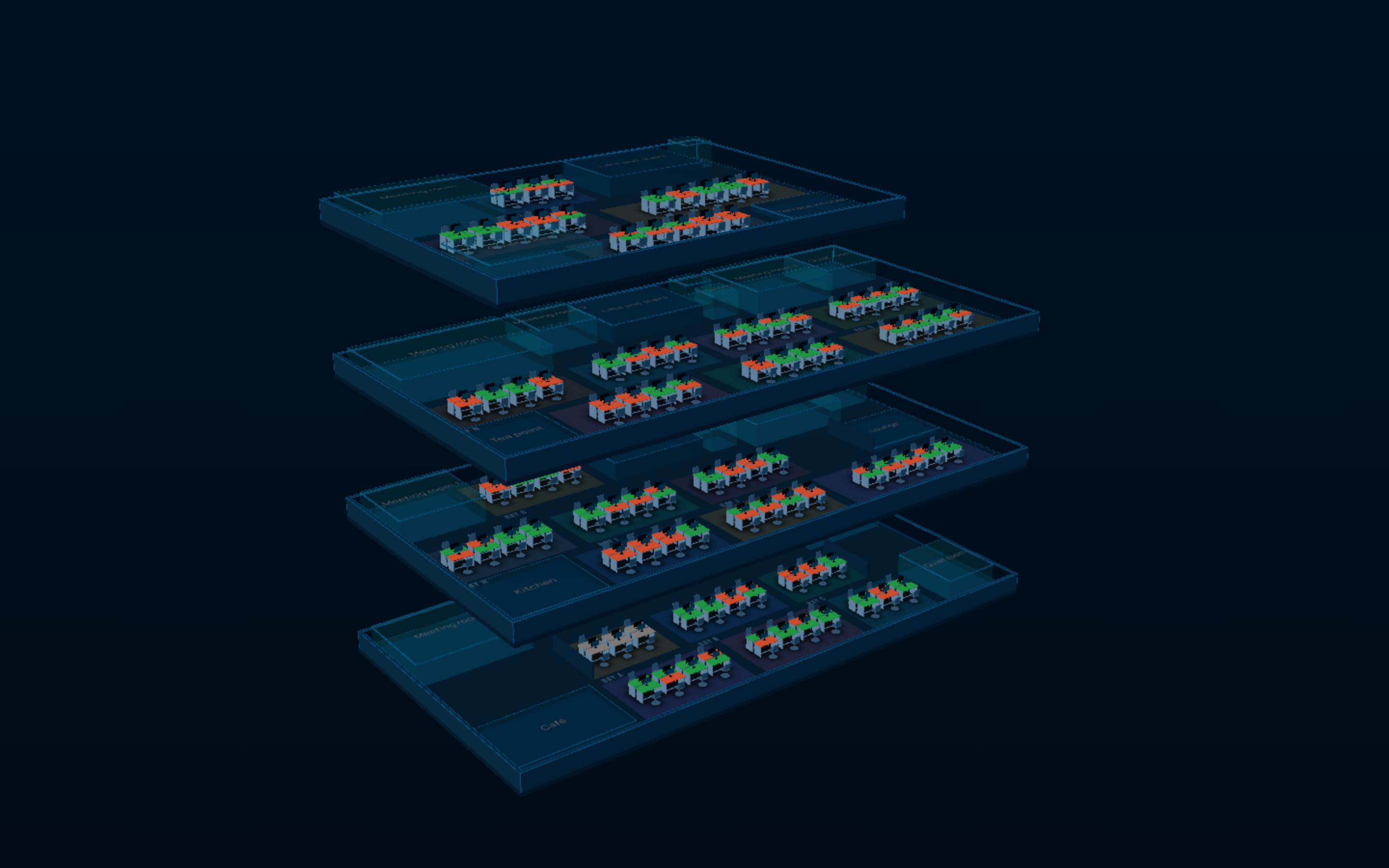
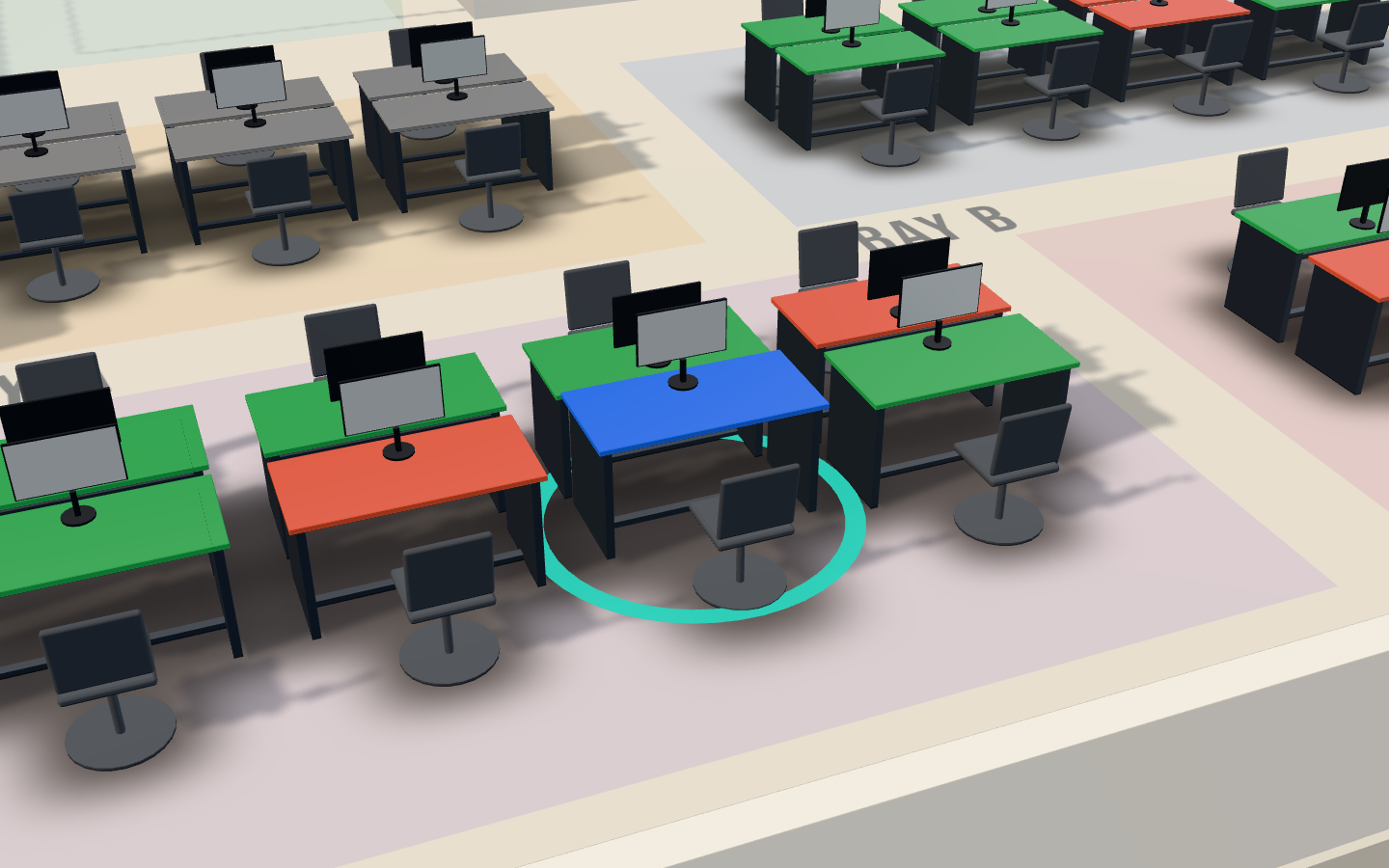
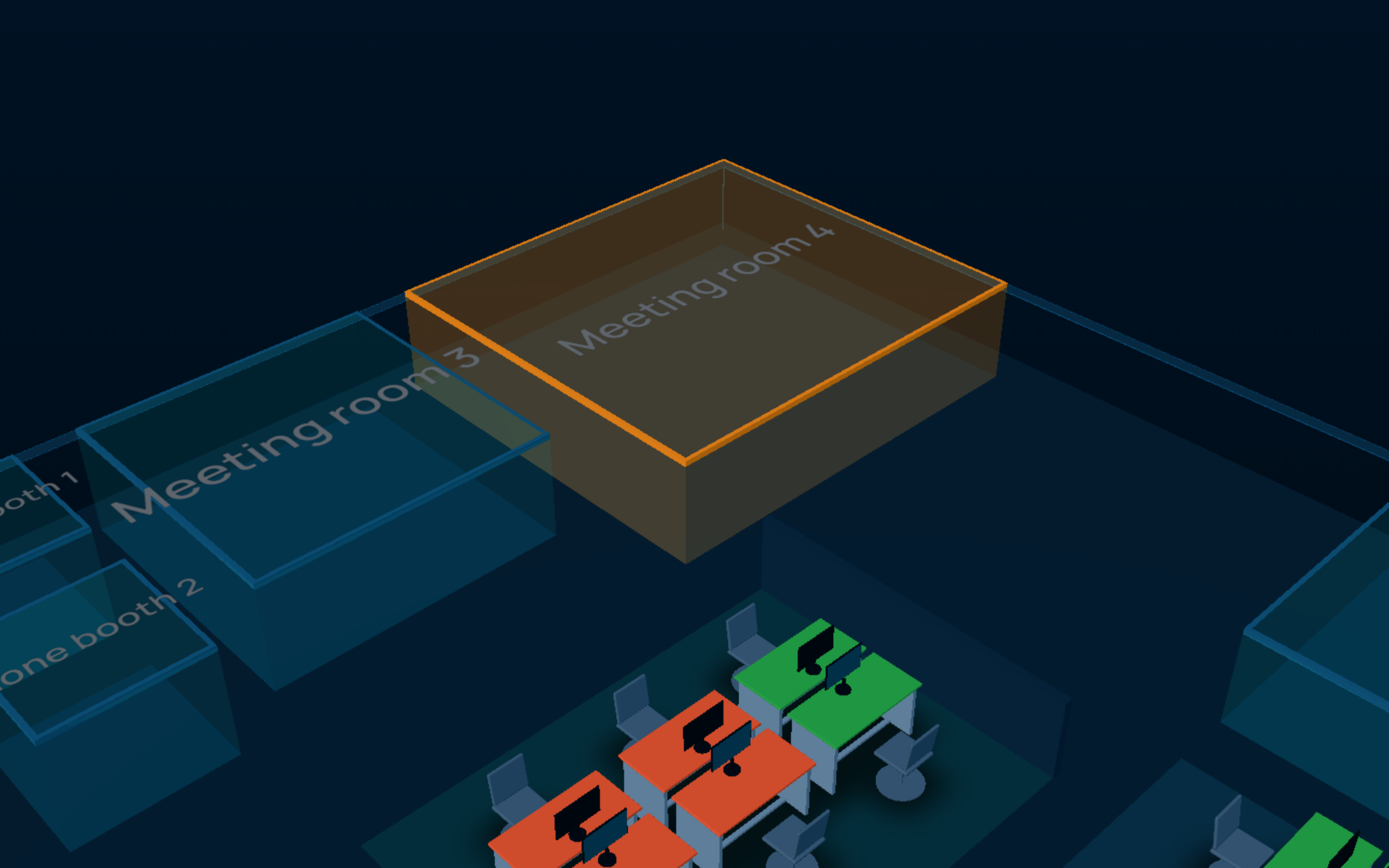
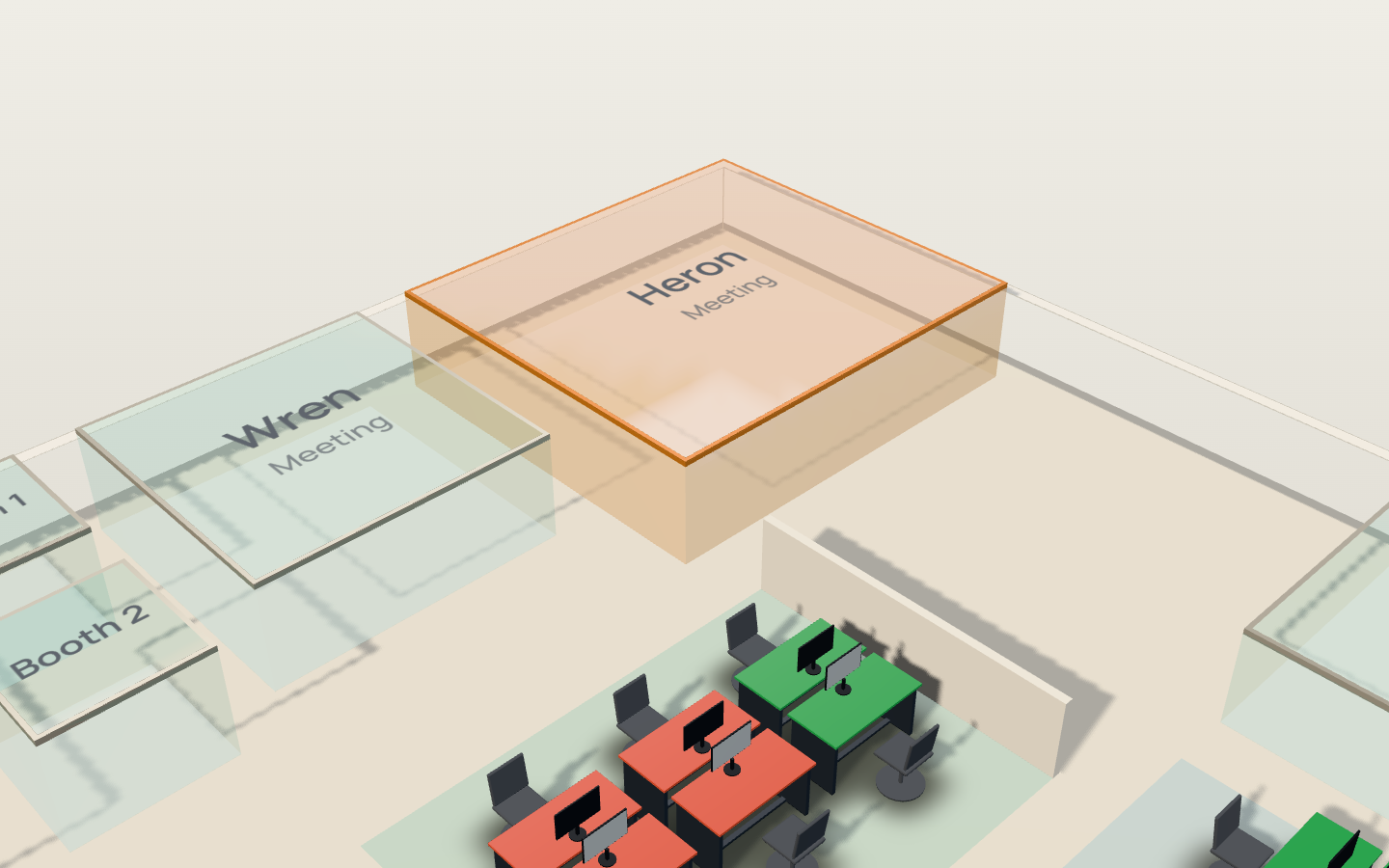
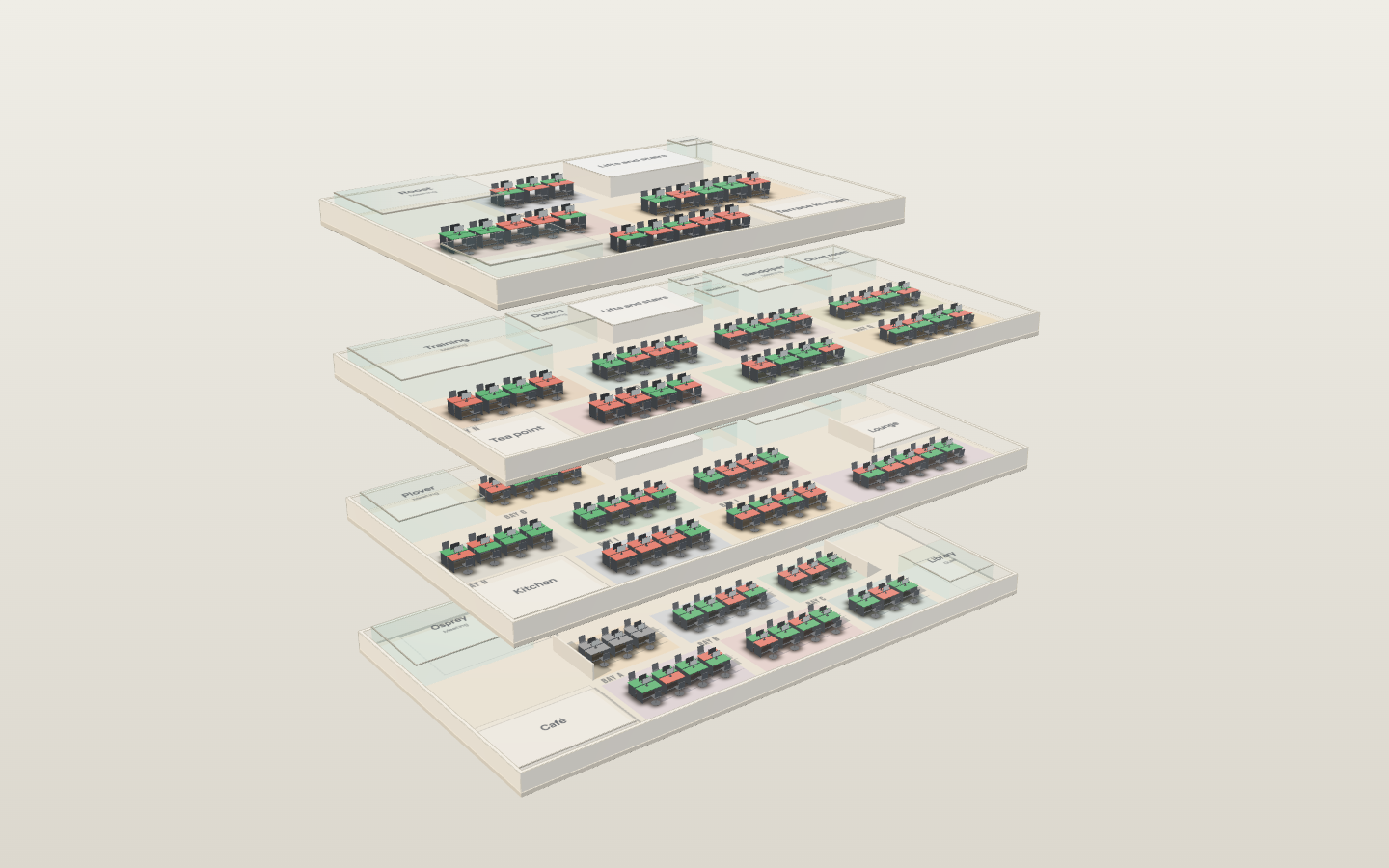
Your building, modelled from the plans you already have.
Ropewalk, an invented building, drawn live. Yours takes its place.Book a desk in it
One building. Four people who have to say yes.
The person who owns the floor, the people who sit on it, the front desk and IT each want something different from it. Pick yours.
Facilities and office managers
Your building, your rules, and nobody waiting on a developer to change either.
- Rules per office
- Opening hours, working days, closed dates, how far ahead people book and when an unclaimed desk goes back. Each is a form your own people edit, and it takes effect on the next booking.
- Space kept for a team
- Draw a zone on the plan, give it to Sales, and its desks stop being bookable by everyone else.
- Desks where they really are
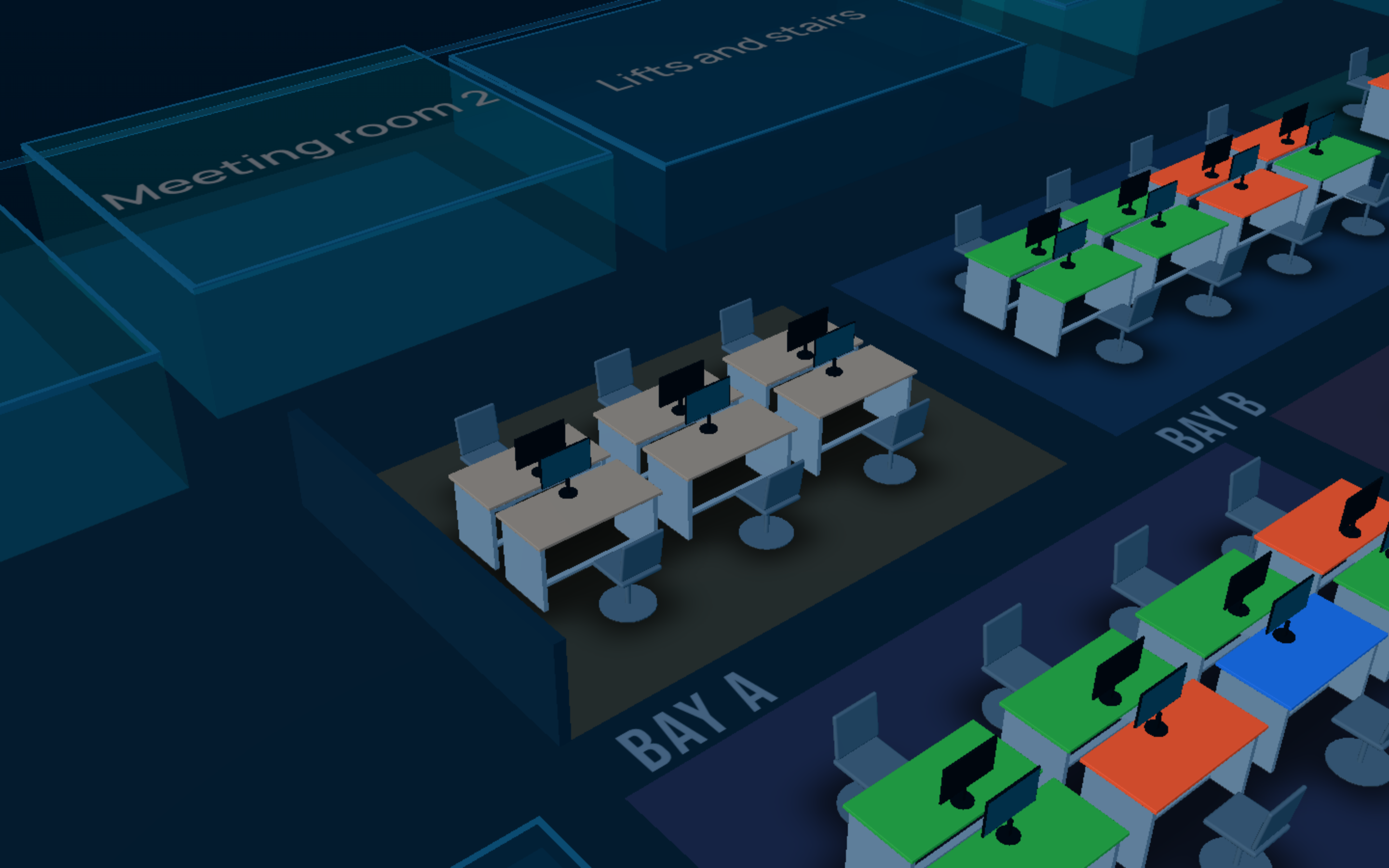
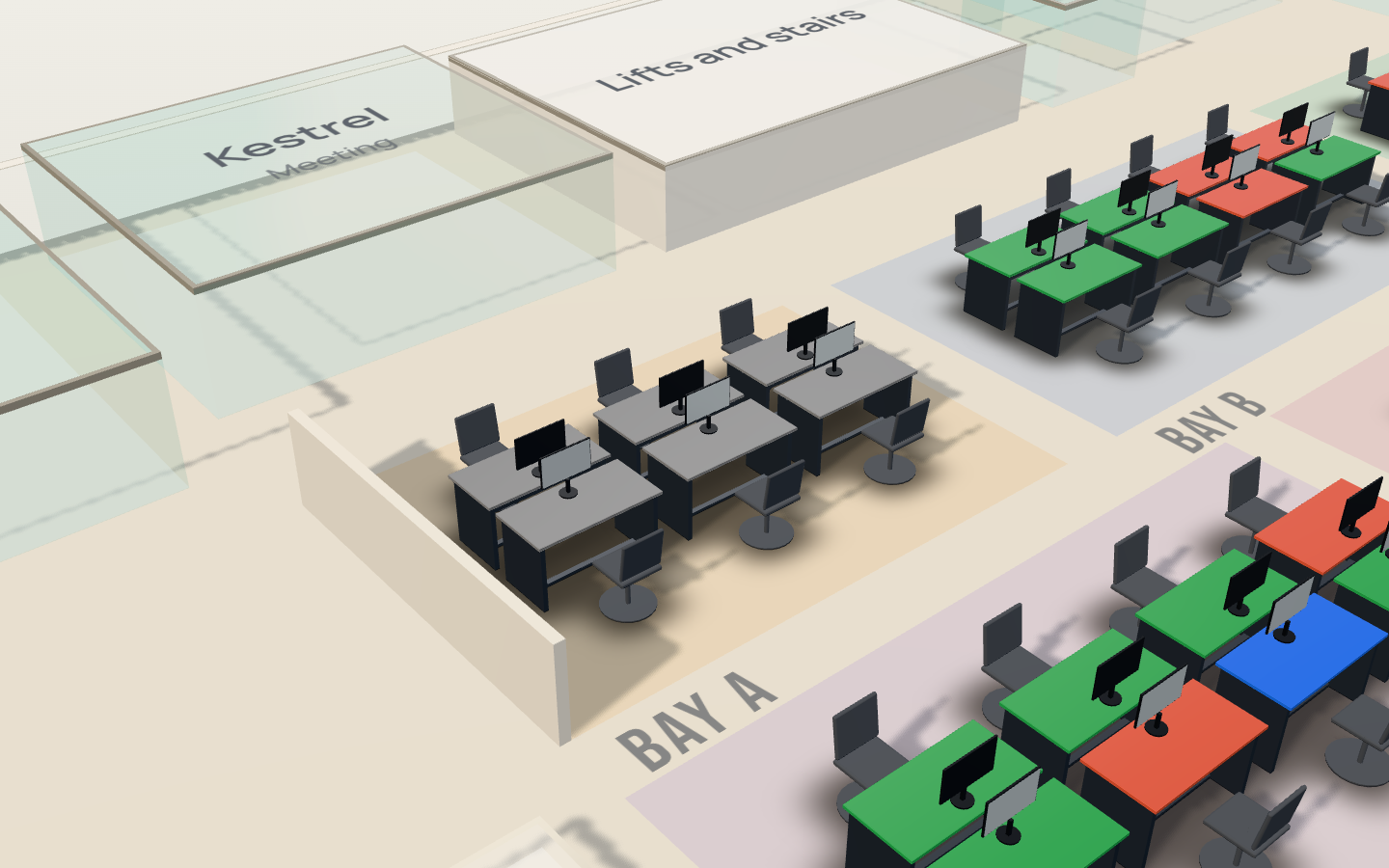
- Move, add and assign desks on a drawing of the floor. The map, the list and the printed labels all read the same rows.
- Every change recorded
- Who changed what, when, and what it was before, in a log your admins can read.
Everyone who comes in some days a week
Find out whether it is worth coming in, and get a desk near your team before you leave home.
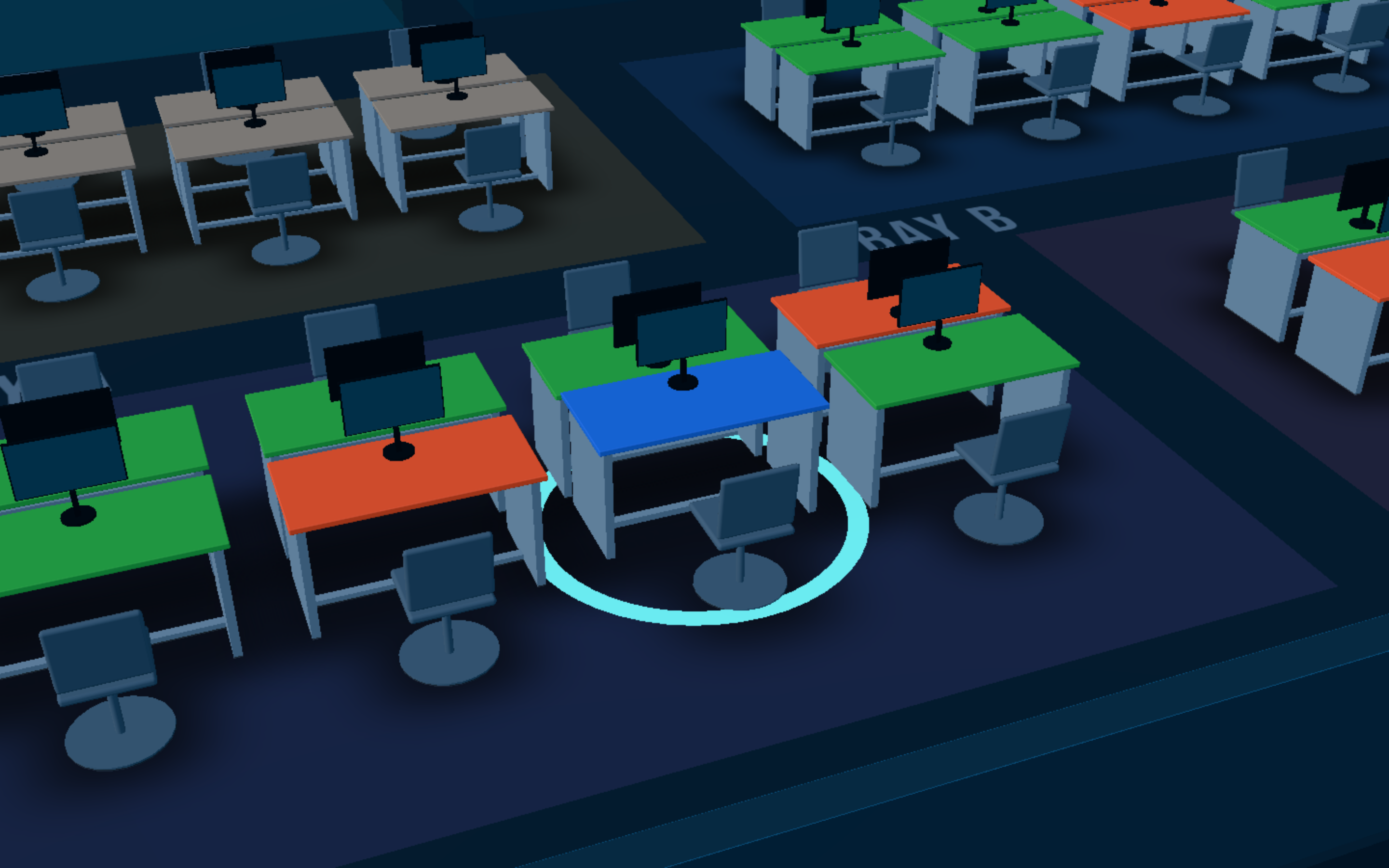
- Book from the map, a list or a phone
- The same desks every way. Up to five days in one booking, for the whole day or a few hours.
- Suggested for you
- The desk you usually take, offered first when it is free.
- Who is in this week
- Mark a day remote or away and your desk goes back to the floor, so the planner and the map never disagree.
- Check in when you arrive
- Scan the desk's code or tap in. A desk nobody claims by the cut-off goes back for someone else.
The people at the front desk
Know who is expected today, sign them in without stopping what you are doing, and hand over a pass.
- Visitors registered in advance
- A host adds a name, a company and a time. The visitor gets a code, and reception sees them on the day's list.
- A kiosk in the lobby
- A tablet that stays signed in. Visitors type their name or code, agree to your terms and are signed in; their host is told.
- Passes and a book of the day
- A printed pass with a number, and one list of who is expected, on site or gone, per office.
- Rooms ready to use
- Meeting rooms book in half-hour slots, and a room nobody checks into goes back to free after ten minutes.
Whoever has to approve it
It signs people in with the accounts they already have, and it asks your tenant for no more than it needs.
- Microsoft Entra sign-in
- No new passwords. People sign in with their work account, and someone you disable in Entra can no longer sign in.
- Roles from your groups
- Rules map an Entra security group to a role, a team, a home office and a desk type. Membership changes apply at the next sign-in.
- Rules enforced on the server
- A booking is checked by the server whichever screen it came from, so nothing depends on the browser behaving.
- Email you switch on yourself
- Notifications through Microsoft Graph are built and off. Nothing is sent until you grant the permission and turn it on.
It runs on the tools you already pay for.
All integrations- Microsoft Entra IDLive
- Microsoft 365Live
- Microsoft OutlookBuilt, switched off
- Microsoft TeamsPlanned
Sign-in, roles and teams come from the directory you already keep, and notifications go out from your own tenant. Each one says whether it is live, built and waiting on a permission, or still on the road map — because a list that does not is not worth reading.
We set it up. Your people run it.
The product comes with the people who built it. We turn your drawings into a building, connect it to Microsoft 365, set it up the way your offices work, and stay on the end of the phone.
Your building, traced and modelled
We trace every floor from your plans: outlines, walls, rooms, zones and desks, named as they are on the drawing. Then we load it as your offices, so your people book from a model of the floors they sit on.
From you: Your floor plans, in whatever form you have them. A PDF that is only a picture is enough.
Microsoft 365 and Entra setup
We register the application in your tenant, connect sign-in, and write the rules that turn your security groups into roles, teams and home offices. When you want email, we set up the mail permission with you.
From you: An admin on your side for an hour, and the groups you already keep.
Configured to how you work
Opening hours, working days, closed dates, booking limits, check-in cut-offs, rooms and their equipment, visitor terms. We set the first version with you; after that your admins change it themselves.
From you: How your offices run today, and who should be allowed to change it.
Features built into the product
When you need something the product does not do, we build it into the product. It is set up for you and ships to everyone on the same release, so you never end up on a version of your own that nobody else maintains.
From you: The problem, in your words. We come back with what it would take.
Support and training
Training for your admins and reception, help when something does not look right, and a person to talk to rather than a ticket queue.
From you: Nothing extra.
Start with what you need.
It is one product for every client. A plan is what we set up, support and train your people on, and you can move up when you are ready. We price it for your building, so tell us about it.
Desks
One office going hybrid
- Desk booking from the map, a list or a phone
- Your building in 3D, traced from your plans
- The week planner
- Teams and zones
- Admin, rules and audit log
- Microsoft Entra sign-in
Workplace
An office with a front desk
Everything in Desks, and
- Meeting rooms, with check-in and release
- Visitors: pre-registration, kiosk and passes
- Visitor terms your reception keeps
- Email notifications through Microsoft 365, when you switch them on
- Training for reception
Multi-office
Several offices or countries
Everything in Workplace, and
- Every office and floor traced and set up
- Each office on its own clock and rules
- Features built into the product for you
- Priority support and admin training
Tell us about your building.
A few lines is enough. A person reads every enquiry and replies by email; there is no mailing list and nothing is shared.
We reply
To talk through your offices, how many people use them, and what you need first.
We look at your plans
Send us a floor and we tell you what it would take to model it.
You see your own floor
Then you decide, on your building rather than our sample.
Not ready to talk? Try the demo. It needs no account.